
Connecting to GitHub
Connect your GitHub account to Globe to enable automatic deployments from your repositories with GitHub integration and event triggers.
To use the GitHub integration, you’ll need an existing GitHub repository or create one before connecting.
Go to Account Settings
In the Globe dashboard, go to Account
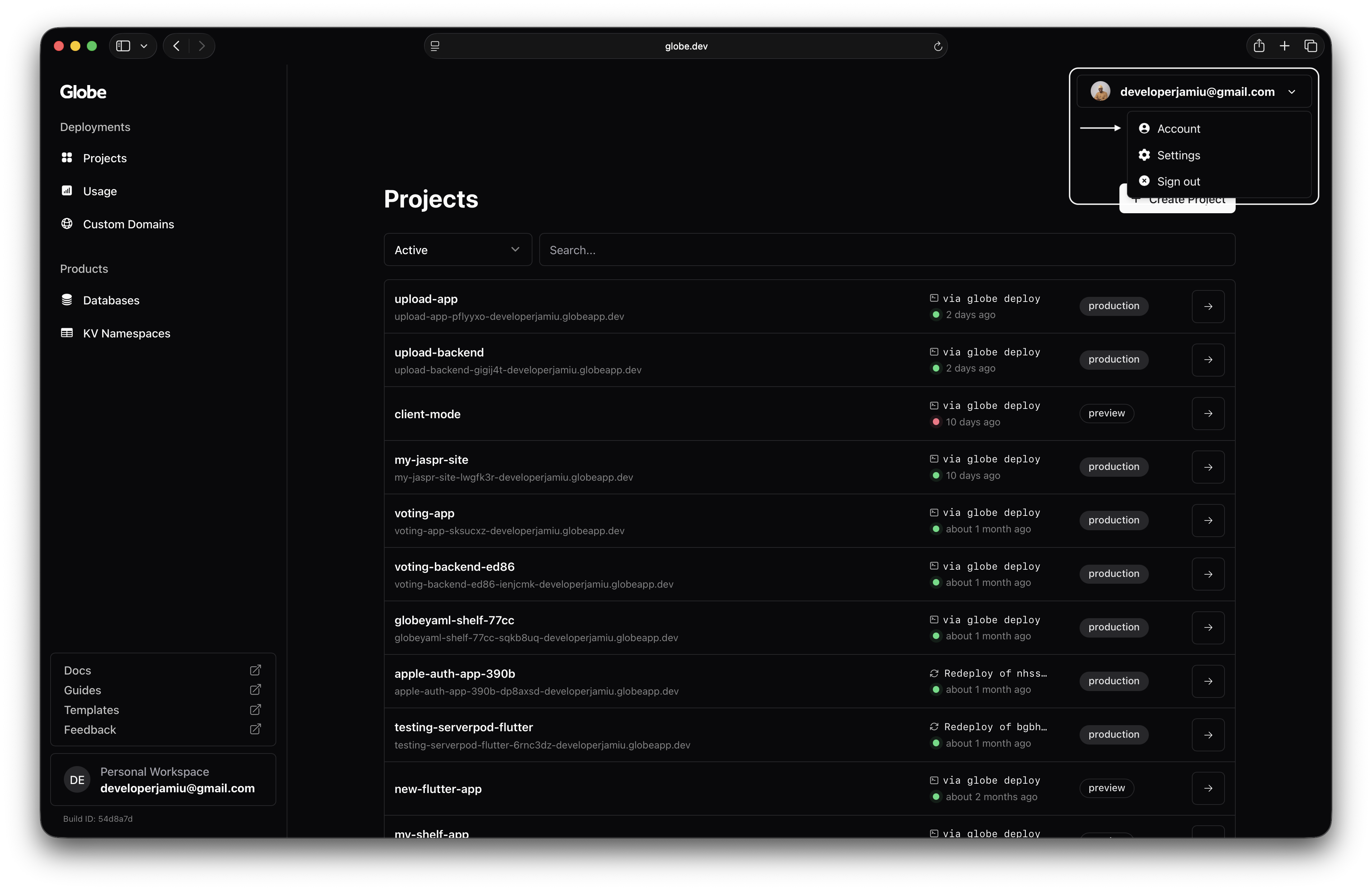
Connect Your GitHub Account
In the Connected Accounts section, select Connect your GitHub account
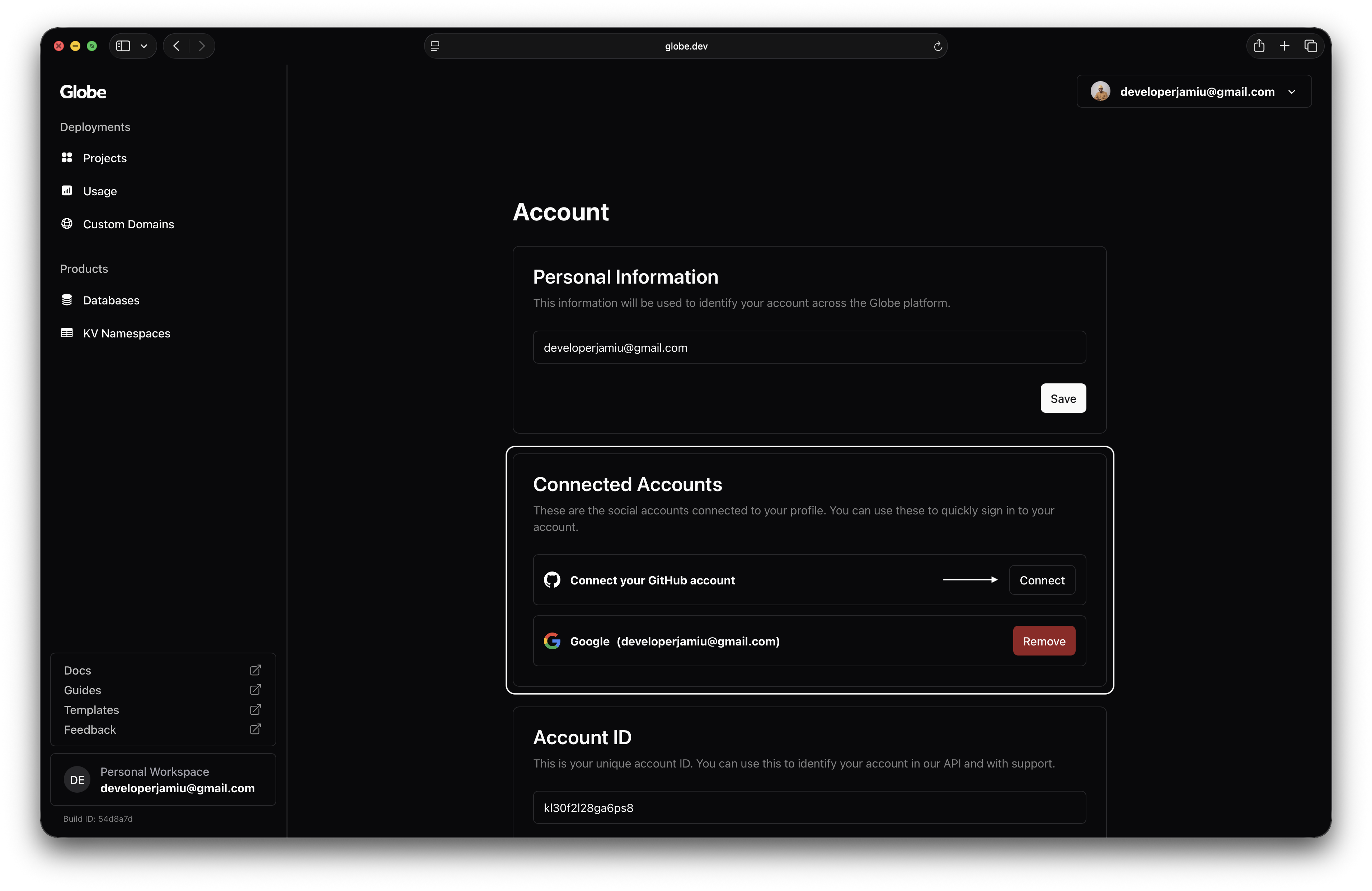
Authorize Dart Globe
Authorise access to your GitHub repositories
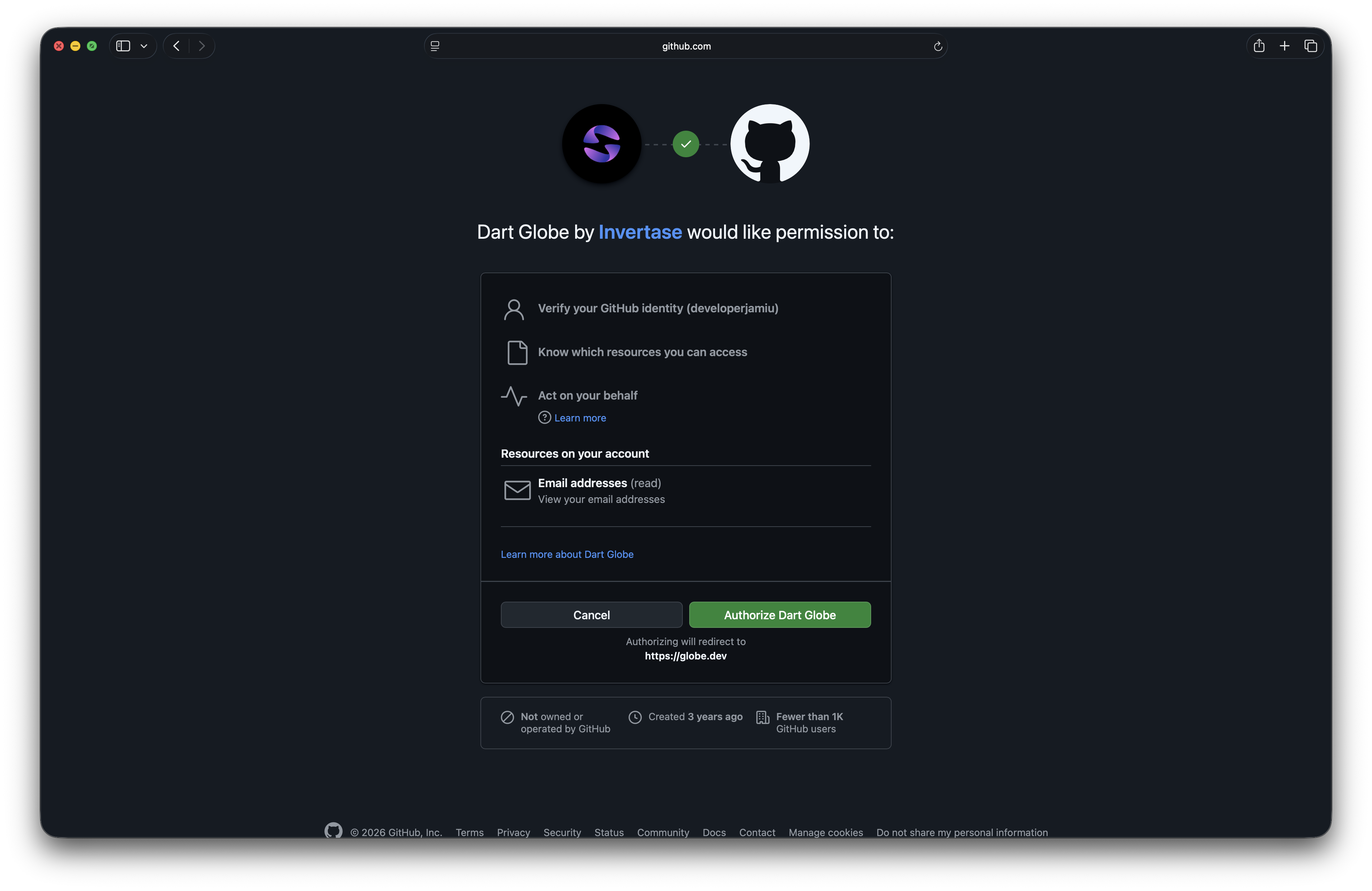
Your GitHub account is now connected. Every push to your repositories can trigger automatic deployments: preview deployments for feature branches, and production deployments when you merge to your main branch.
What's Next
Choose how you want to set up your project:
Import a GitHub Repository
Create a new Globe project by importing an existing repository. Globe will deploy automatically on every push.
Connect to an Existing Project
Already deployed via CLI? Link your GitHub repo to enable automatic deployments.
For a complete walkthrough of GitHub integration and deployment triggers, see GitHub Integration.